Do faster search with top 3 AI Search Engine

Faster search with AI Search Engine?
Searching for info these days can be a pain. You type in a query, and what do you get? A million SEO-optimized posts, huge walls of text, and way too much irrelevant info. Ain’t nobody got time for that!
Time’s our most valuable asset. Who wants to waste hours jumping between pages just to find... nothing?
The New Solution: AI Search! Do faster search! Why does this help? Because it’s like having an assistant skimming through top pages and pulling out the key points you need. Fast. Efficient
For example, if I want to find information about Tokyo attractions, I just type my question, and boom! AI will give me direct answers it for me, without all the fluff
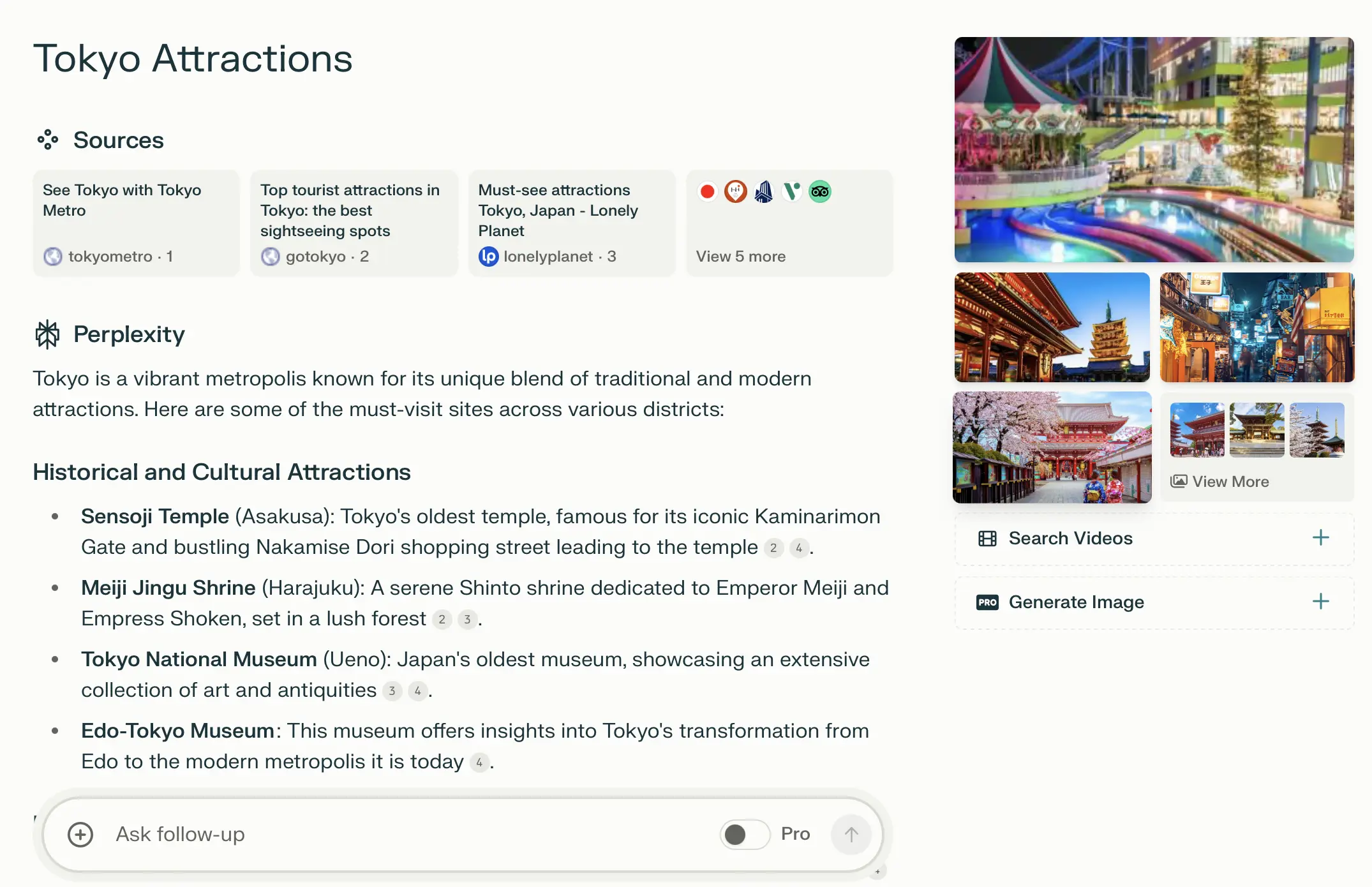
It’s amazing technology. But 2 notes:
1/ If you’re into digging deeper or exploring random details & sites, Google might still be your go-to.
2/ There’s always a chance the AI might throw in some wrong info (we call that a "hallucination") so make sure to double-check important info by going directly to the source.
Now, what should you use to search faster? Which AI search engine should you try?
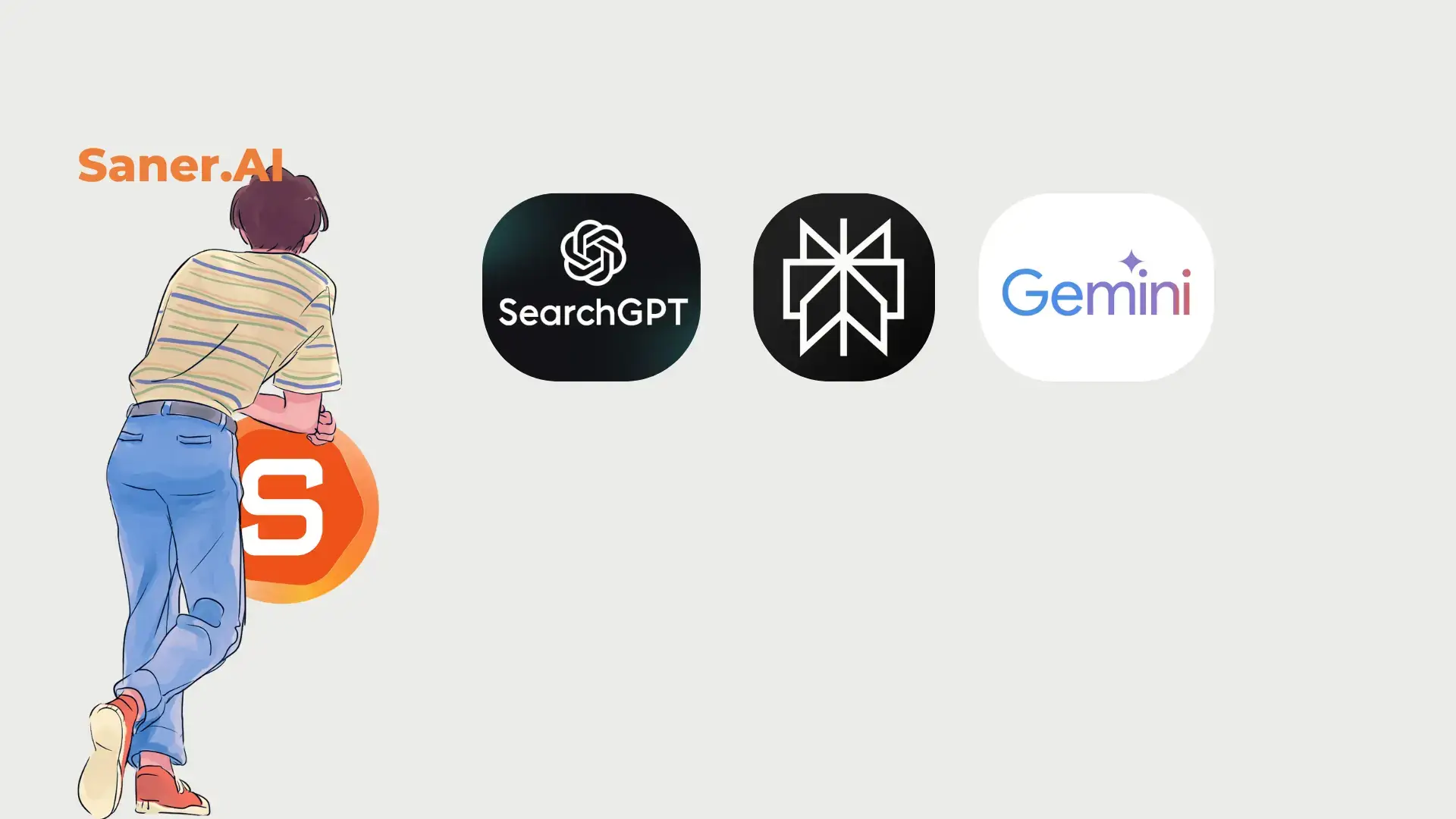
Here are my top three picks:
1. Perplexity
Slick, clean interface. You can choose the source for your search—Reddit, Academic, Videos, the whole internet, etc.
It’s their key product, so they invest heavily in it.
You can use it for free, but the pro version (with more powerful search features) is paid.
The Extension is also super handy, letting you summarize any page you’re reading.
2. Gemini
Google’s big bet.
There’s a handy button that lets you double-check the source of the AI’s response directly, so you can quickly verify if it’s hallucinating.
Plus, there's a shortcut—just type “@” in the Chrome search bar, select Gemini, and ask your question right away.
3. SearchGPT from ChatGPT
Newly launched. No major differentiators yet, except that it’s connected to ChatGPT.
It has a cool extension that allows you to turn your Chrome bar queries directly into AI searches with ChatGPT.
My Take
Personally, I usually go with Perplexity since it was the first one I tried, and I haven’t had any bad experiences with it.
At the end of the day, it’s all about your preference. I don’t see any BIG differentiations among these tools yet - just choose the tool that integrates easily into your workflow. Remember to double-check important information, and these tools will be huge time savers.
Bonus
BONUS: What if you want to search faster while writing, but context switching is your problem? Zoning out of your writing flow to search and then getting distracted is the worst.
Here are two approaches:
1/ Split your screen—half writing, half search. But honestly, that’s distracting.
2/ Use Saner.AI. It has AI search built right into the app. When you’re writing and need to search something, just open the side panel, ask your question, get the info, then collapse it and get back to writing. No distractions, just flow.

Stay on top of your work and life