How to Prioritize Tasks for Better Time Management at Work


Prioritize Tasks and Time Management: A Human Guide to Staying Sane
It was 7:47 AM on a Monday morning. My coffee hadn't kicked in yet, but my inbox was already flooded. Thirty-seven unread emails (how did that happen over the weekend?), a presentation due at 3 PM that's only 60% done, and enough calendar invites to make my Google Calendar fully filled.
I've been there - we've all been there - staring at our screens with that deer-in-headlights look, wondering if it's too early to call in tomorrow.
But that Monday taught me something invaluable. After what felt like hours of panic-scrolling through my to-do list, I finally stopped. Took a deep breath and began prioritizing intentionally.
By noon, I had somehow managed to tame the email beast, delegate three tasks that honestly shouldn't have been on my plate anyway, and carve out focused time for that presentation. The mountain of work was still there, but now it had a clearly marked trail to the top.
If you're nodding along, if you’ve ever felt like you’re drowning in work, this guide is for you. Here’s how you can manage your tasks and time effectively:
1. The Importance of Prioritization

Remember that friend who's always "busy" but never seems to get anything done? Don't be that friend. Prioritization isn't about doing more - it's about doing what matters.
Think of your workday as a jar, and your tasks as rocks, pebbles, and sand. If you start with the sand (those tiny, often insignificant tasks), you'll never fit the rocks (your important projects). But start with the rocks, and somehow everything finds its place.
By focusing on what’s truly important, you avoid burnout and create meaningful progress in your work
2. Creating Your Master Task List - The Brain Dump
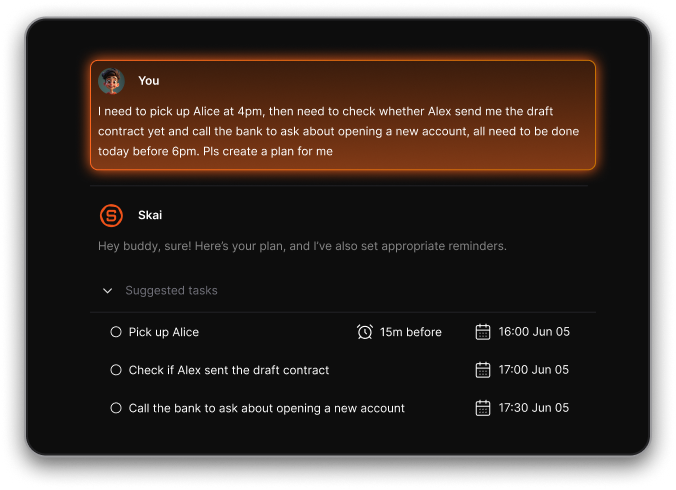
First things first: get everything – and I mean everything – out of your head and onto paper (or screen. This isn't about organizing yet; it's about mental liberation.
Pro tip: Keep a small notebook or use your phone's notes app to capture tasks as they come up. Your brain is for having ideas, not holding them hostage.
3. Choose your Prioritization Methods
Each person is different, so experiment with these task prioritization techniques to find what works for you:
3.1 The Eisenhower Matrix
Draw a simple grid with four boxes:
- Urgent & Important: The "hair on fire" tasks. Your client presentation in an hour? Yeah, that goes here.
- Important but Not Urgent: The "future you will thank present you" tasks. Think strategic planning, skill development, or that gym membership you keep meaning to use.
- Urgent but Not Important: The "delegation" tasks. Things that need to be done but not necessarily by you.
- Neither Urgent nor Important: The "why is this even on my list?" tasks. Like spending an hour choosing the perfect GIF for your email signature.
3.2 The One Thing task
Think of the One Thing as your daily "power hour" playlist – but instead of pumping you up with music, it pumps up your productivity. Every morning, before the chaos begins (and ideally before checking your email), identify one task that would make your day a success.
Here's my secret: I write my one task on a notebook and let it open right on my desk. It's like having a tiny productivity coach staring at me all day
3.3 The ABCDE Method
Assign each task a letter:
- A Tasks: The "drop everything else" priorities. Like that email from your boss starting with "Urgent:"
- B Tasks: The "should do" tasks. Important but won't cause an apocalypse if delayed slightly.
- C Tasks: The "nice to have" tasks, but no real consequences if skipped.
- D Tasks: The "delegation candidates." Remember: delegation isn't admitting defeat; it's being strategic.
- E Tasks: The "elimination". Be brutal here
4. Setting Realistic Goals: We're Human, Not Robots

The key to setting realistic goals is understanding your own rhythm. I'm a morning person. My best work happens between 9 AM and noon. So that's when I tackle my biggest challenges.
After lunch? That's when I handle lighter tasks, because let's face it – the post-lunch slump is real (Read the book When)
Some practical tips for keeping it real:
- Break big projects into bite-sized pieces
- Add buffer time
- Be honest about your energy levels throughout the day
- Account for interruptions
5. Focus on One Task at a Time
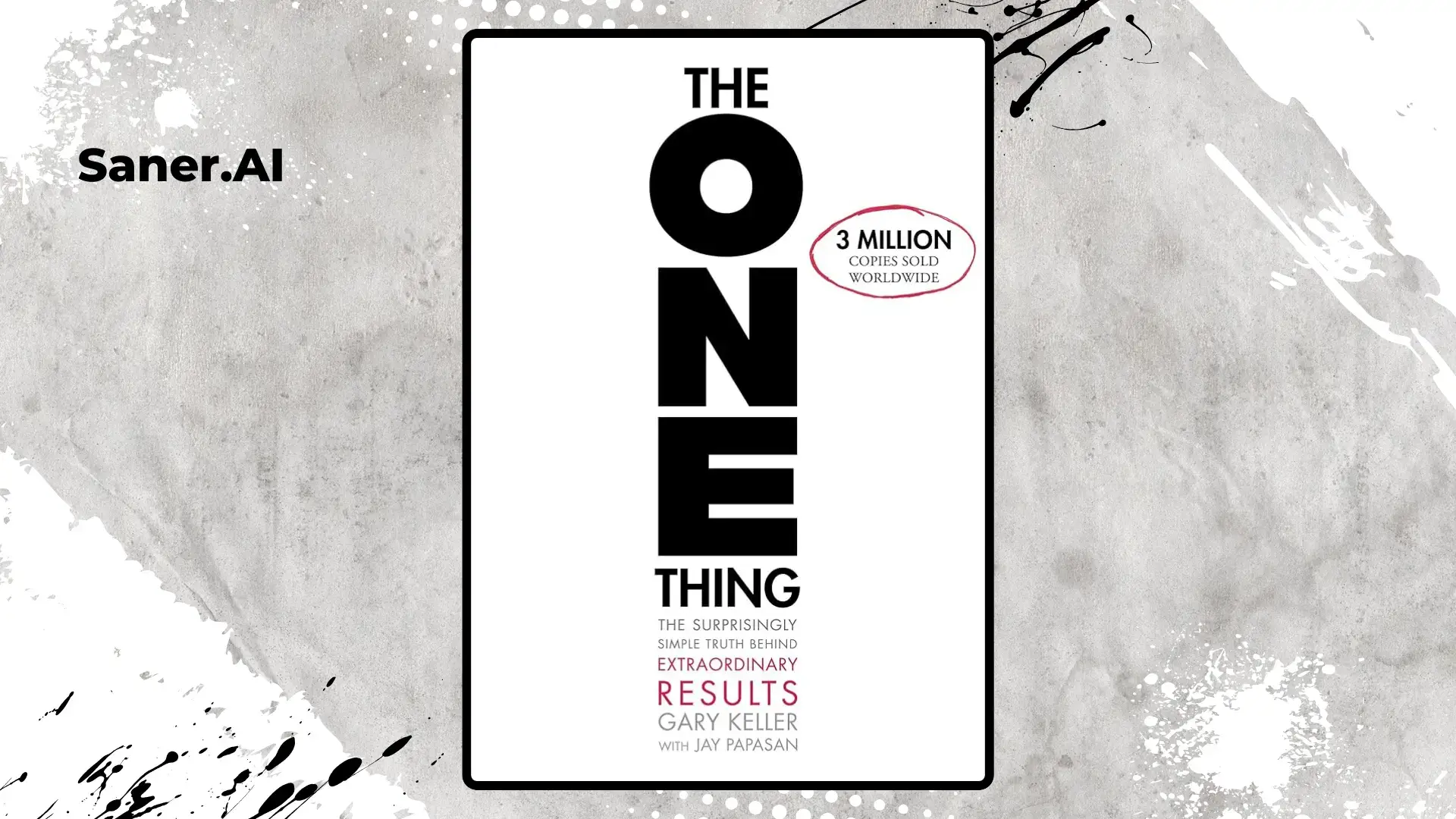
Recommend you to read this post on The One Thing to see how I use this approach to overcome the task paralysis
6. Use Task Management Tools
I've tried & tested from basic to-do apps to complex project management systems.
- Trello is like having a virtual whiteboard
- Asana helps teams coordinate tasks
- Notion is like having a second brain, but need organizing effort
- Microsoft Todo is easy to use & free
- Saner.AI task: Future concept with AI Assistant for your task
7. Team You

Working in a team adds another layer to prioritization because you're not just managing your own tasks but coordinating with others who have their own priorities.
Start with regular priority-alignment meetings. You can do a quick 15-minute stand-up every Monday to align priorities. It's prevented countless "I thought you were doing that" moments.
Key strategies:
- Make priorities visible to everyone
- Regular check-ins (brief ones!)
- Clear communication about deadlines and dependencies
9. Conclusion
Remember that overwhelming Monday morning I mentioned? These days, I still have them occasionally (I'm human, after all), but they don't own me anymore. Prioritization is your secret weapon for turning chaos into clarity.
The next time you're facing your own mountain of tasks, take a breath. Prioritize tasks and remember that every peak is conquered one step at a time.
P.S. If you're reading this while procrastinating on a big task, I see you. Now go tackle that rock – the sand can wait.

Stay on top of your work and life