4 Simple yet Powerful Productivity Tools for Overwhelm


Feeling like your brain is running 47 tabs at once and you can’t find the mute button? That’s what “the overwhelm” feels like. It’s not just stress. It’s the mental traffic jam where thoughts collide, tasks blur together, and nothing feels manageable.
If you’ve ever stared at your to-do list, frozen - not from laziness, but from sheer mental overload - you’re not alone. You’re not broken. You’re just overloaded.
In this post, we’ll unpack real strategies that help you go from scattered to steady + 4 simple tools for you.
What Causes Overwhelm in the First Place?
Overwhelm isn’t a personal failure. It’s often a system failure - or the absence of one. Here are common culprits:
- Too many inputs: Emails, Slack, phone buzzes, meetings, and more all hitting your brain at once.
- Perfectionism or unclear priorities: When everything feels urgent, it’s impossible to tell what really matters.
- ADHD or neurodivergent processing: Fast minds can get easily flooded without structure.
- Lack of systems: Without tools to capture, organize, and offload tasks, your brain becomes the bottleneck.
- No recovery time: Constant go-go-go leads to “background loading” stress that never gets cleared.
💬 People Also Ask
What is the root cause of feeling overwhelmed?
It’s often a combination of cognitive overload, lack of prioritization, and absence of external systems to manage complexity. ADHD and perfectionism can amplify the experience.
Signs You’re Mentally Overwhelmed
Overwhelm doesn’t always look dramatic. Sometimes it sneaks up like fog. Watch for these signs:
- Brain fog or mental blankness
- Forgetting simple things (like what you just opened your browser for)
- Avoiding tasks altogether (even the easy ones)
- Snapping at small frustrations
- Constant multitasking, but getting nothing meaningful done
- Trouble sleeping, or waking up already exhausted
- Feeling guilty about “not doing enough,” even when you’re always doing something
Bonus: If you have ADHD, you might feel this overload more intensely and more frequently. That doesn’t mean you’re worse - it just means you need smarter systems.
Step-by-Step: How to Overcome the Overwhelm
Let’s walk through a method that works even when your brain is already fried.
1. Stop the Input Flood
Before you can think clearly, you have to stop more chaos from coming in. Try:
- Muting notifications for an hour
- Turning your phone screen down
- Closing unnecessary browser tabs
- Taking three deep breaths (literally - pause and try it)
This step buys your brain space to process.
2. Dump the Mental Clutter
Your brain is not a storage device. Offload it.
- Write everything down, messy and raw
- Or talk it out using a voice note or journaling app
- Or just open a chat with an AI like Saner.AI and type every thought you’re juggling
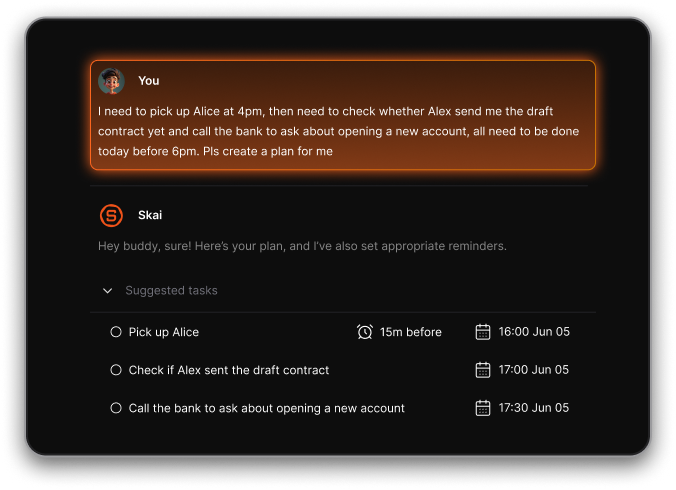
This is your brain’s “trash cleanup” function. It doesn’t need to be organized yet - just emptied.
3. Prioritize Ruthlessly: The “3 Musts” Method
From that messy list, highlight just 3 things that truly matter today.
- 1 task that moves the needle
- 1 obligation or commitment
- 1 thing that restores you (rest counts)
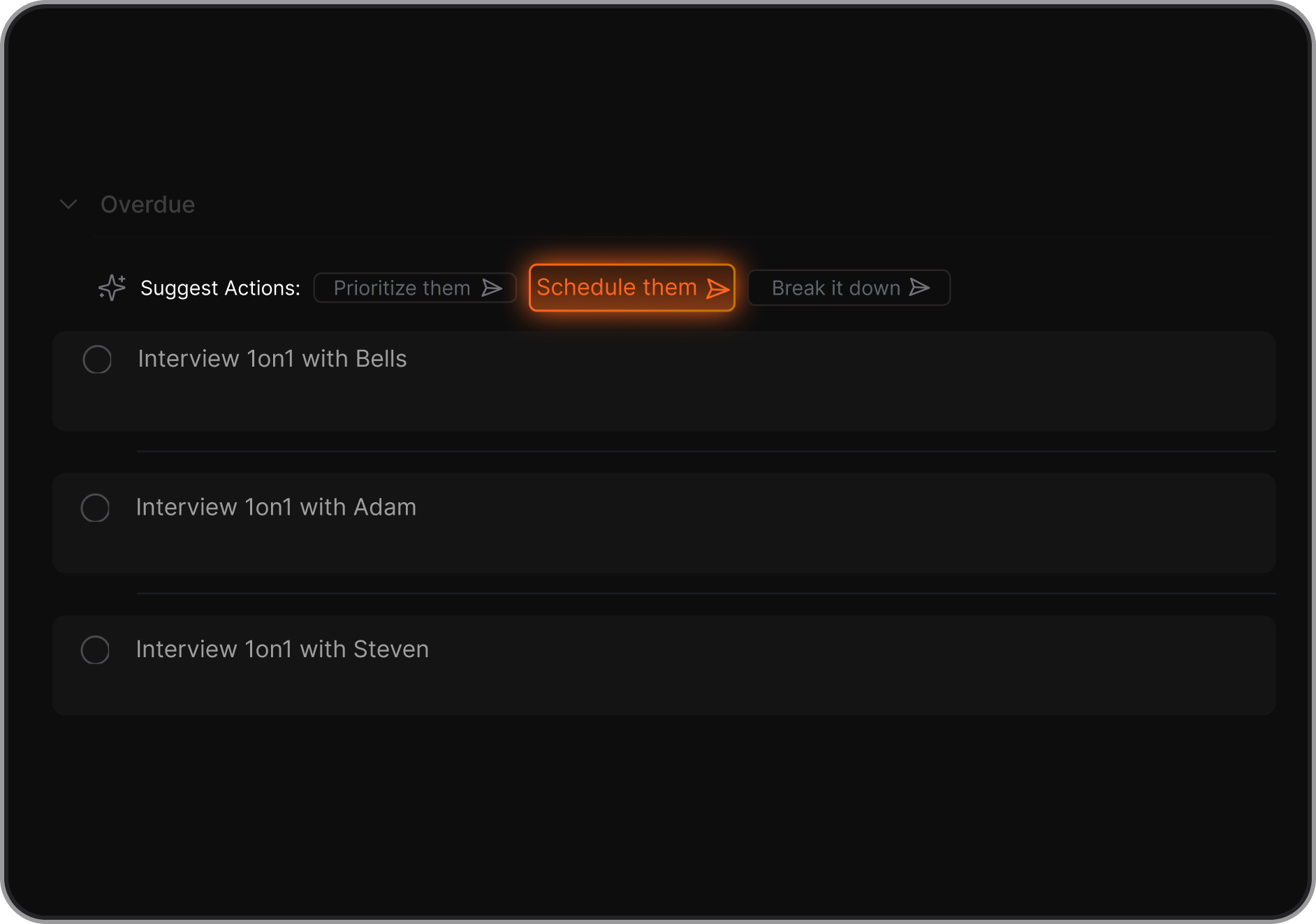
Everything else is optional or future-you’s problem.
4. Use a System (Not Just Willpower)
Here’s where most people get stuck: they rely on memory or motivation. Instead, set up scaffolding.
- A second brain: use a tool to store, sort, and recall ideas (see our guide to Second Brain Apps)
- AI assistant: Let something like Saner.AI read your notes, tasks, and emails and help create a daily plan
- Calendar time blocks: Turn to-dos into time slots
Think of your system as your brain’s support crew.
5. Start Smaller Than You Think
Overwhelm thrives on big goals and vague next steps.
Pick a “minimum viable action.” Examples:
- Don’t “clear inbox.” Just archive 5 emails.
- Don’t “write blog.” Just open the doc and title it.
- Don’t “clean the kitchen.” Just wash 1 plate.
Small action clears fog. Then momentum kicks in.
💡 Real-World Example:
On Monday, a startup founder opened his inbox to 300+ unread emails and 6 back-to-back meetings. Instead of panicking, he brain-dumped into Saner.AI, picked his top 3 must-do items, and let the AI block 2 deep work hours in his calendar. By 5 PM, he didn’t finish everything—but he finished what actually mattered.
Tools That Help You Manage Overwhelm
1. Why is it so hard to use traditional tools?

Many tools are designed to be feature-rich, operating under the assumption that more features mean more value. However, this often leads to feature overload, leaving users feeling overwhelmed.
Furthermore, these tools typically start with a blank page, which can be daunting because it's unclear where to begin. They often require a steep learning curve, ongoing maintenance, and significant mental effort.
For individuals with neurodiversity like ADHD, these challenges can be even more pronounced, making it difficult to use the tool's full capabilities.
2. What are the Better Tools?
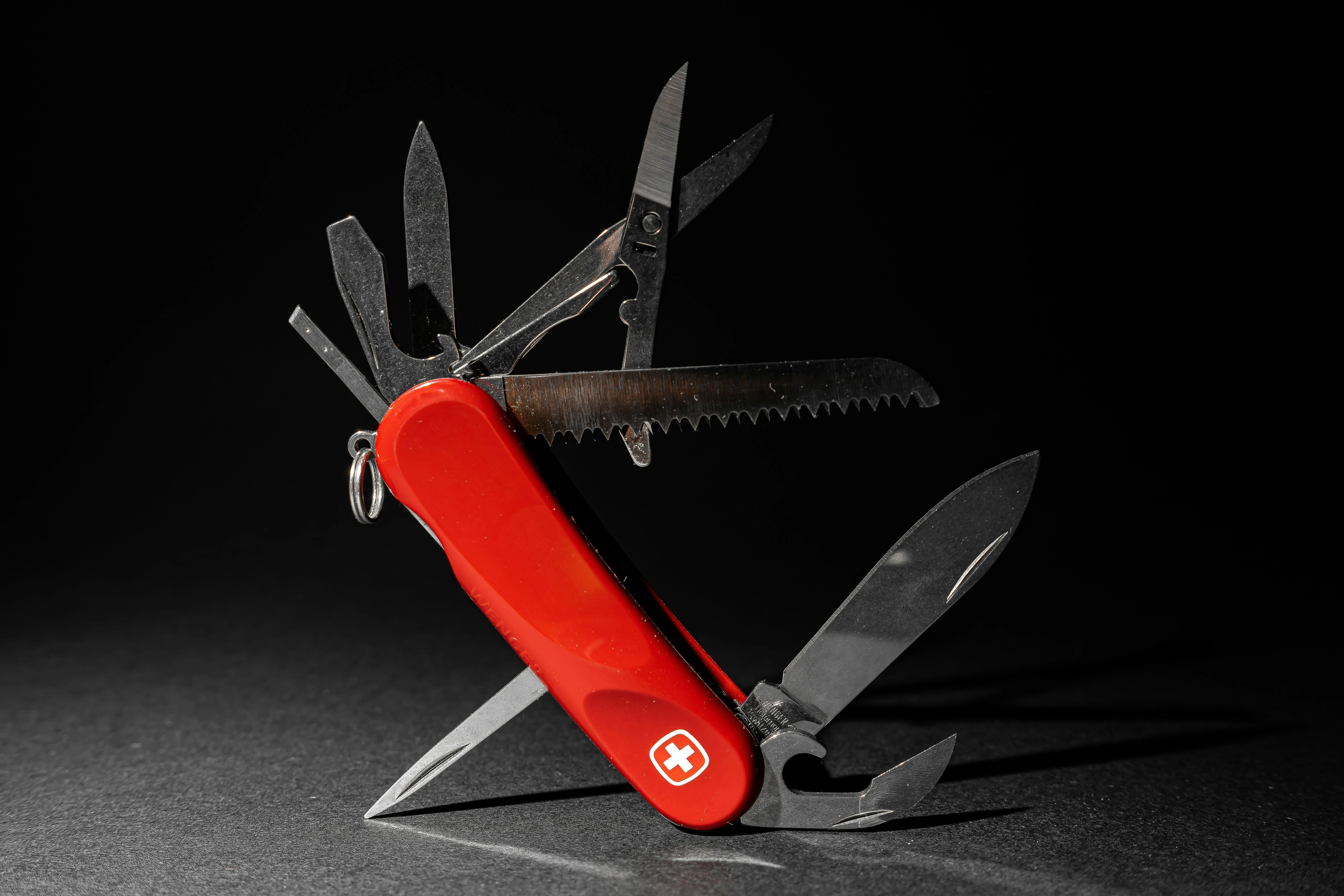
The answer might be simpler than you think: choose tools that are simple yet powerful. Think of these tools as the Swiss Army knife of productivity - compact yet effective.
Opting for minimalism doesn't mean you have to sacrifice functionality. A well-designed minimalist tool can offer the power and versatility needed to handle a variety of tasks without the clutter.
Here are some benefits of using those tools:
- Reduce Cognitive Load: Minimalist tools are easy to understand and use right from the start, which means you don't have to spend hours learning how to navigate complex software.
- Efficiency: These tools help you accomplish your tasks faster by focusing on essential features, without unnecessary extras.
- Enhance Focus: By eliminating distractions, these tools help you concentrate on what's truly important.
- Boost Creativity: With less mental clutter, you can free up space for innovative thinking and effective problem-solving.
3. Tools to Overcome the Overwhelm
Not all minimalist tools are the same; some might be too basic, lacking the features you need. Finding the right tool often involves some trial and error.
Here are a few that I've found to be helpful:
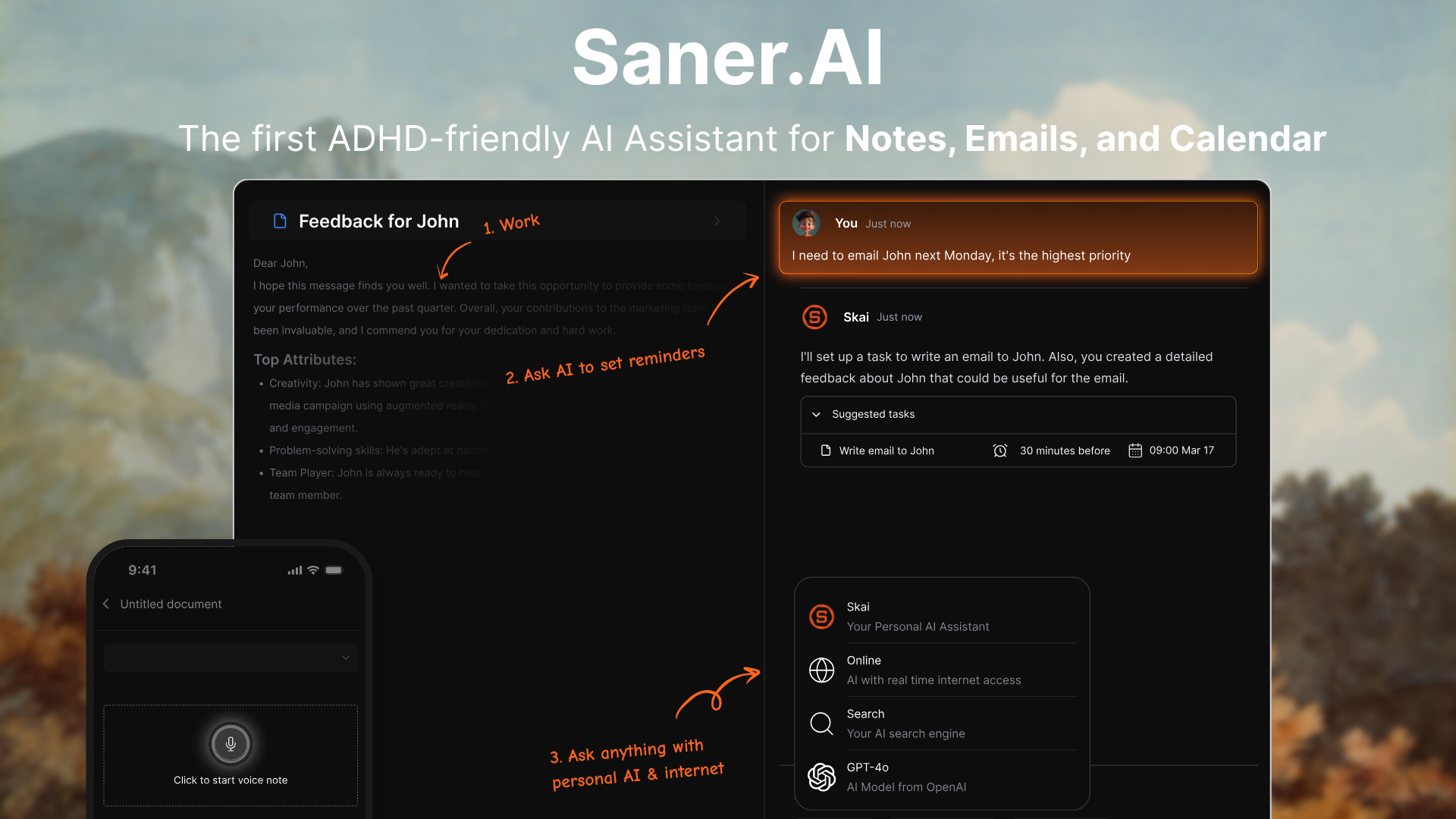
- Saner.ai: An AI Assistant that is easy to use yet powerful, enhanced with AI capabilities to boost productivity.
- Calendly: An intuitive tool for scheduling meetings that simplifies finding mutual availability without back-and-forth emails.
- One Sec: An app designed to limit mobile phone use by requiring a specific action before accessing the app you want to block, helping to reduce distractions.
Long-Term Habits to Stay Clear
Once you’ve climbed out of the overwhelm pit, here’s how to stay on solid ground:
1) Build Mental Margins
- Schedule empty space between meetings
- Leave buffer time around big tasks
- Don’t pack your day to 100%
2) Keep an Overflow List
- Capture “not now” tasks in a trusted system
- Revisit weekly, not daily
3) Weekly Reviews
- Spend 20 minutes reviewing your week
- Celebrate what got done, adjust what didn’t
- Ask: What’s on my plate that shouldn’t be?
4) Shift Your Mindset
- You’ll never finish everything. That’s not the goal.
- A calm, focused brain gets more done than a frantic one.
- Rest isn’t optional - it’s part of the system.
Final Words: You’re Not Broken - You’re Just Overloaded
If your brain feels foggy or frozen, you’re not weak. You’re not behind. You’re just dealing with more than your system was built to hold.
So start with one small shift today.
Maybe that’s dumping your thoughts into a note. Or muting your phone for 10 minutes. Or ask Saner.AI to help you plan your day.
Clarity doesn't come from doing it all. It comes from doing the right next thing - and making space for what matters most.

Overcome your Overwhelm with an AI Assistant
Frequently Asked Questions
What’s the difference between burnout and overwhelm?
Overwhelm is acute - it often shows up as stress or mental fog in the moment. Burnout is chronic - exhaustion, cynicism, and a feeling of emptiness from sustained stress without relief.
What’s a simple system I can use when I feel overwhelmed?
Try the “3 Musts” method: Pick 3 key things each day (task, obligation, recharge) and ignore the rest. Use tools like Saner.AI to hold the rest of your tasks until you’re ready.
What tools work best for ADHD overwhelm?
Tools that reduce context switching, automate routine tasks, and let you externalize thoughts - like Saner.AI, Google Calendar, or even physical sticky notes - tend to work well.